Use GPT Image 2.6 Online, Free
GPT Image 2.6 runs in your browser on any phone or computer, with no install and no API key.
Try ChatGPT Image 2.6 online
Where can I use GPT Image 2.6 online?
You can use GPT Image 2.6 online on this site, in ChatGPT, in Codex or through the OpenAI API. OpenAI released it in those three places on November 4, 2026.
This site is the shortest route if you want an image or a GIF and nothing else: open the page, sign in with Google and write a prompt.
| Where | What you need | Best for |
|---|---|---|
| This site | A browser and a Google account | Making images and GIFs right away, with direct control over the settings |
| ChatGPT | A ChatGPT account | Asking for images inside a chat |
| Codex | A Codex setup | Making images while you build software |
| OpenAI API | An API key and code | Adding images to your own app |
GPT Image 2.6 on this site
The generator at the top of this page runs GPT Image 2.6 Flare and GPT Image 2.6 Sunburst, the two API models. Choose Text to GIF, Image to GIF, Text to Image or Image to Image, then pick your settings.
ChatGPT Image 2.6 in ChatGPT
ChatGPT Images 2.6 is the name of the release inside ChatGPT, and many people shorten it to ChatGPT Image 2.6. It is the same release as GPT Image 2.6, reached through a chat.
GPT Image 2.6 in Codex and the API
Developers can reach GPT Image 2.6 through Codex and the OpenAI API. Our API page lists the models and request fields if you want to build on it.
Is GPT Image 2.6 free online?

GPT Image 2.6 is free to open and try online here: signing up costs nothing, and you get free credits when you sign up.
Prompts, examples and the settings are all open to you before you spend a credit, so you can line up what you want first.
| On this site | Cost |
|---|---|
| Signing in with Google | Free |
| Free credits for a new account | Included when you sign up |
| Example images and prompts to copy | Free |
| An image | From 5 credits, based on quality |
| A GIF | From 5 credits, based on quality and frames |
| Downloading your file | Included |
What is free
Your account, the free credits that come with it and the prompts on this page are all free. Signing in also keeps a prompt you already wrote, so nothing is lost.
What each GPT Image 2.6 image costs
Each image uses credits based on the quality you pick, starting at 5 credits at Standard. Fast and High quality cost the same at the same quality level, and the pricing section below lists the plans.
How to use GPT Image 2.6 online
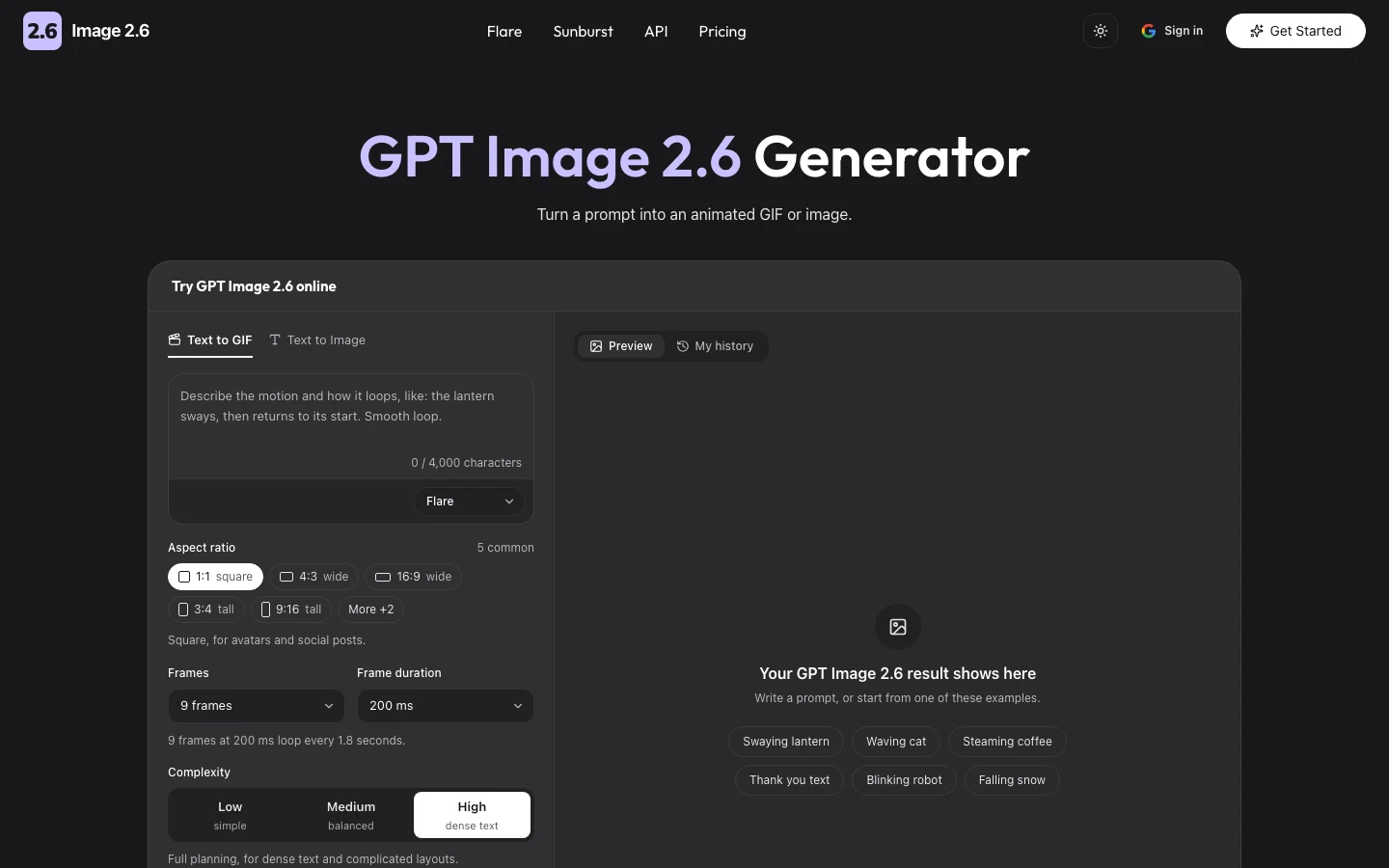
To use GPT Image 2.6 online, write a prompt in the generator, choose a model and press Generate. If the result is close but not right, change one setting and run it again.
Write your prompt
Describe the subject, the setting and the style in plain words. Put any exact text in quotes, or copy one of the prompts further down this page.
Pick Fast or High quality
Fast runs GPT Image 2.6 Flare and suits drafts. High quality runs GPT Image 2.6 Sunburst and suits final images. Then set the quality, the aspect ratio and the format.
Generate and download
Press Generate and sign in with Google if you have not yet. When the result is ready, download the file or find it later in My Images.
Use GPT Image 2.6 online on your phone

GPT Image 2.6 works online on your phone in the browser you already have, with no app to install. The generator sits at the top of this page and fits a narrow screen.
Type or paste your prompt, pick the settings and press Generate. Your finished image or GIF downloads straight to the phone, ready to post or send.
Everything you make also stays in My Images under your account, so you can start on a phone and pick up the same files on a computer.
GPT Image 2.6 online without an API key
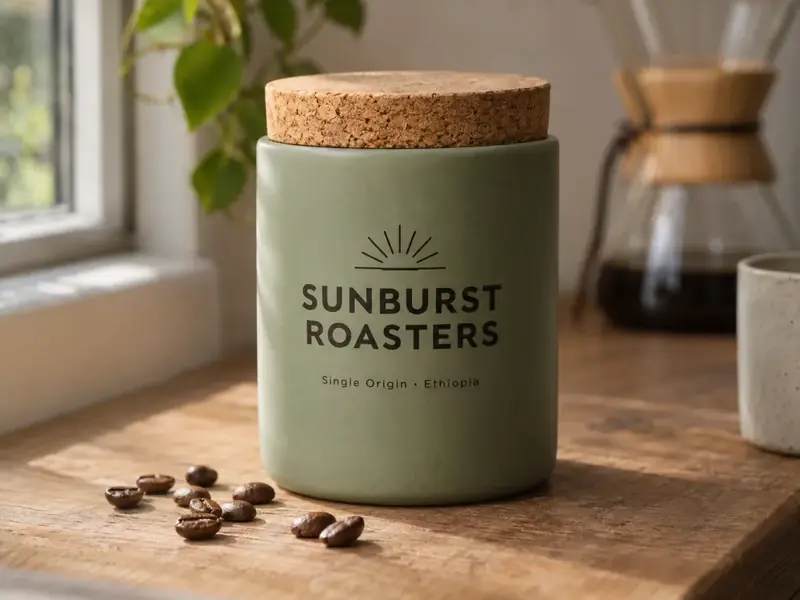
You can use GPT Image 2.6 online here without an API key, because the generator handles the connection to the model for you. There is no code to write and nothing to configure.
Nothing to install
GPT Image 2.6 runs on servers, so your device does no heavy work. Any current browser on a phone, tablet or computer is enough.
No ChatGPT account needed
This site signs you in with Google, so you do not need a ChatGPT account to use GPT Image 2.6 Flare or Sunburst here.
Make GIFs with GPT Image 2.6 online
GPT Image 2.6 can make an animated GIF online from a text prompt or from a photo. OpenAI announced ChatGPT Images 2.6 as "now with GIFs", and Text to GIF is the default mode in the generator.
Each GIF has 2 to 16 frames, and each frame shows for 20 to 2000 milliseconds. The default of 9 frames at 200 ms loops every 1.8 seconds.
Text to GIF and Image to GIF
Text to GIF starts from your words, so describe what moves and how it returns to the start. Image to GIF starts from one photo and adds the motion you describe.
GPT Image 2.6 online: Fast or High quality?
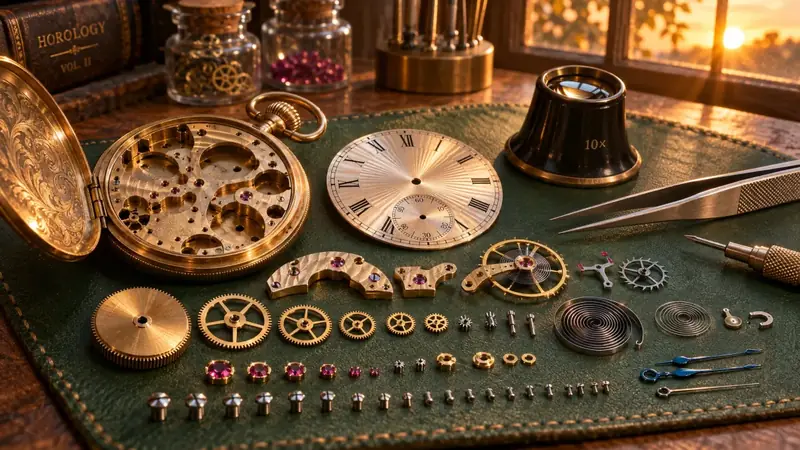
Pick Fast for GPT Image 2.6 online when you want to try ideas quickly, and High quality when the image is close to final. Both take the same prompt and the same settings, so you can move between them freely.
| Fast | High quality | |
|---|---|---|
| Model | GPT Image 2.6 Flare | GPT Image 2.6 Sunburst |
| Built for | Speed | Detail and precision |
| Best for | Drafts, variations, simple images | Final images, dense text, complex layouts |
| Credits | Same at each quality level | Same at each quality level |
Fast (Flare)
Fast is selected by default because it returns quickest. OpenAI reports about six seconds per image with Flare at its fastest quality level.
High quality (Sunburst)
High quality holds up better on small text, busy layouts and fine detail. Send it a prompt you have already drafted on Fast.
GPT Image 2.6 online settings
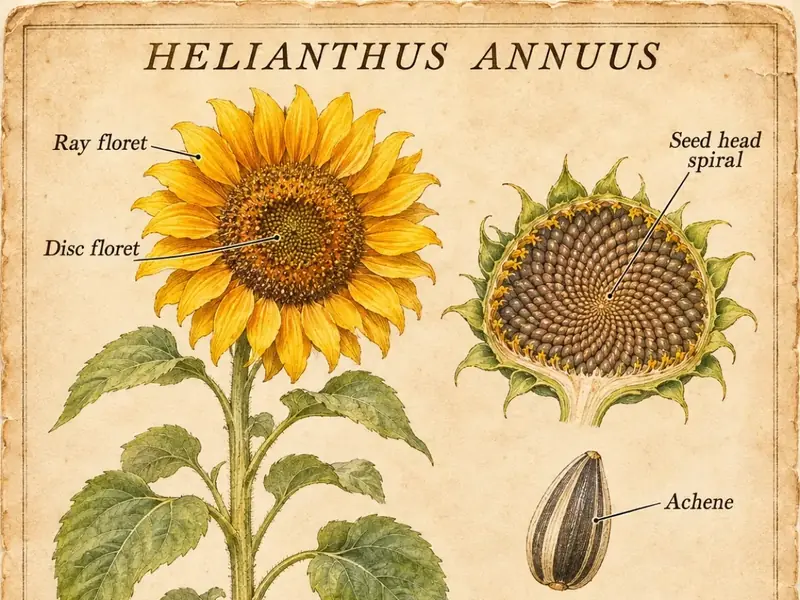
GPT Image 2.6 online has four main settings: quality, complexity, aspect ratio and format. GIFs add frame count and frame duration.
Quality changes the render detail and the price. Complexity changes how much the model plans first and costs nothing extra, although higher levels can take longer.
Transparent backgrounds need PNG or WebP, because JPEG cannot hold transparency.
| Setting | Options | What it changes |
|---|---|---|
| Quality | Standard, High, Ultra, Extreme, Max, Auto | Render detail and price |
| Complexity | Simple, Balanced, Detailed | How much the model plans first. Price stays the same |
| Aspect ratio | 1:1, 3:2, 2:3, 4:3, 3:4, 16:9, 9:16 | The shape of the image |
| Format | GIF, WebP, PNG, JPEG | The file you download. PNG and WebP can be transparent |
| Frames (GIF) | 2 to 16, default 9 | How many frames the GIF has |
| Frame duration (GIF) | 20 to 2000 ms, default 200 | How long each frame shows |
GPT Image 2.6 prompts to try online
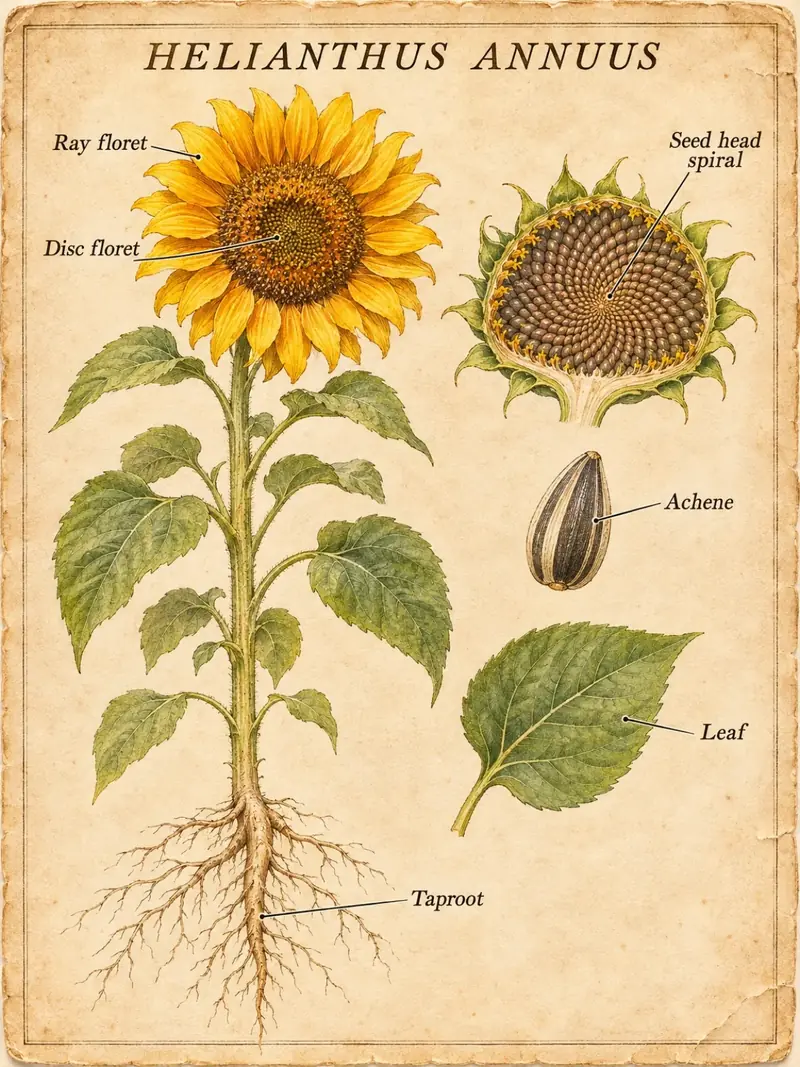
These GPT Image 2.6 prompts work as written in the generator at the top of this page. Copy one, then change the subject to your own.
"Mona Lisa slowly side-eyes the viewer. Smooth loop."
"Shakespeare in sunglasses drops the mic on stage. Smooth loop."
"A paper lantern floating over a quiet lake at night, soft reflections, film grain."
"Sticker of a cheerful orange cat on a skateboard, thick white outline, transparent background."
"Minimal travel poster of Lisbon with the title 'LISBON' in a tall condensed serif, warm evening colors."