
Animated GIF output
Turn a prompt into an animated GIF with 2 to 16 frames.
Turn a prompt into an animated GIF or image.
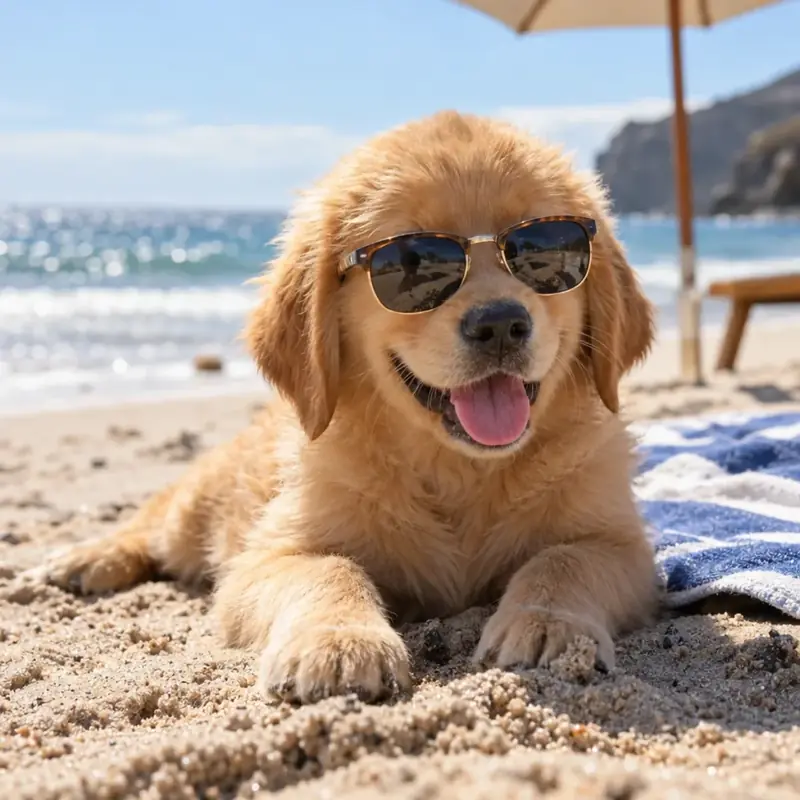
GPT Image 2.6 can output an animated GIF from a text prompt, and that is the headline addition in ChatGPT Images 2.6. OpenAI announced the release as "now with GIFs", and GIF is the default mode in the generator on this page.
Keep Text to GIF selected, then describe what moves and how it returns to the start.
Yes. ChatGPT Images 2.6 can make animated GIFs, and the API models behind it can do the same.

All frames share one image budget, so GIF frames are smaller than a still image: 1:1 is 512x512 and 16:9 is 896x512.
OpenAI Image 2.6, also called GPT Image 2.6, is the image generation model family OpenAI released on November 4, 2026. It turns a text prompt into an image or an animated GIF and comes as two API models: Flare for speed and Sunburst for quality.
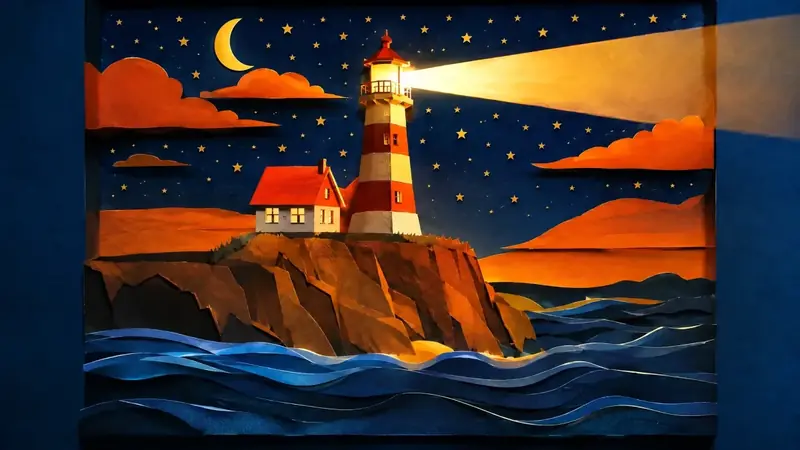
ChatGPT Images 2.6 is the name of the release inside ChatGPT, and GPT Image 2.6 is the name of the models in the API.
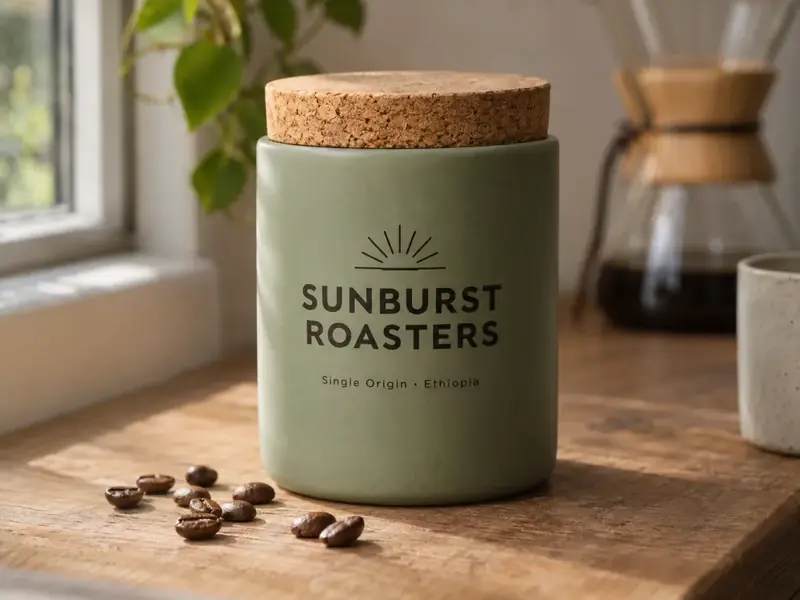
OpenAI released GPT Image 2.6 on November 4, 2026, in ChatGPT, Codex and the API.
ChatGPT Images 2.6 adds animated GIFs and generates faster than the previous version, and the API models give you separate control over detail and planning.
Turn a prompt into an animated GIF with 2 to 16 frames.
OpenAI reports Images 2.6 generates 50% faster than the previous version, and about six seconds with Flare at its fastest quality level.
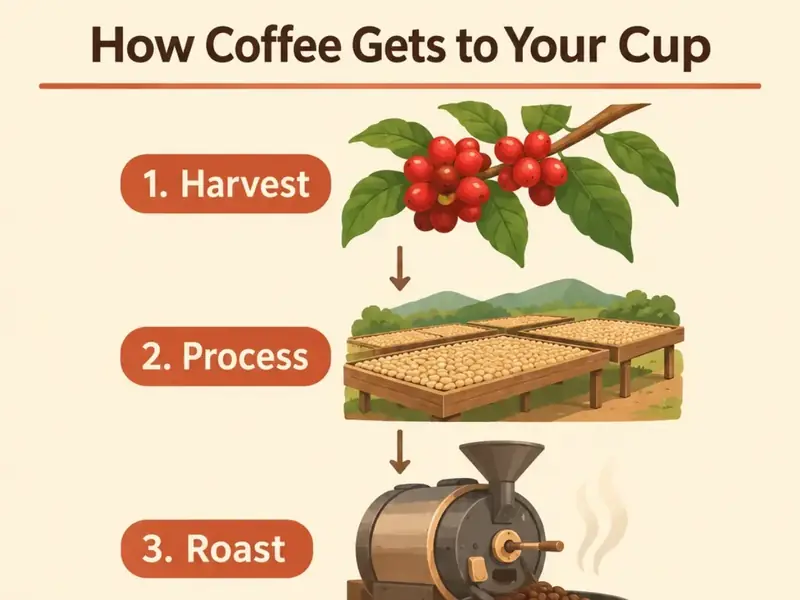
Decide how much the model plans before it renders.
Put the exact words in quotes and describe the typeface.
Standard, High, Ultra, Extreme, Max or Auto.

Aspect ratios run from 9:16 to 16:9, and PNG and WebP still images can have transparent backgrounds.
GPT Image 2.6 Flare is the faster model and GPT Image 2.6 Sunburst is the more detailed one.
| Flare | Sunburst | |
|---|---|---|
| Built for | Speed, when you want to see a result quickly | Output quality, when detail and layout have to hold up |
| Best quality range | Standard, in about six seconds | High and Ultra |
| Good first choice for | Drafts, ideas and quick variations | Final images, dense text and complex layouts |
| Settings and credits | Quality, complexity, aspect ratio and format | The same settings at the same credit price |
GPT Image 2.6 Flare is the speed-focused model. It suits drafts, variations and simple images, and it can return an image in about six seconds at Standard quality.

GPT Image 2.6 Sunburst is the quality-focused model.
You can use GPT Image 2.6 online in three steps, right in the generator on this page.
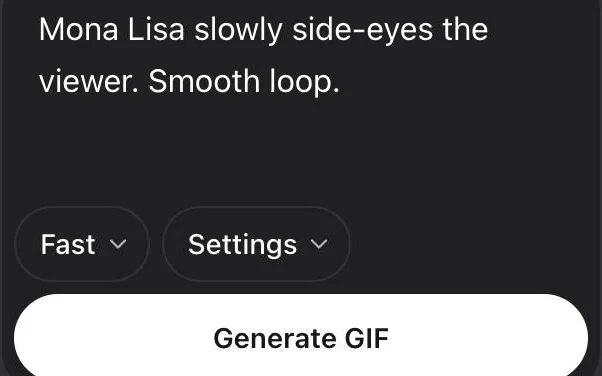
Name the subject and what it should do.
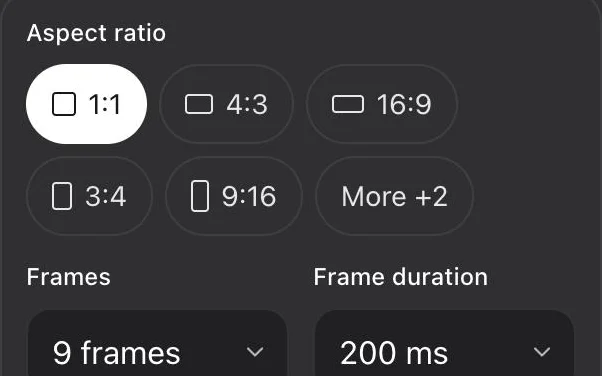
Use Flare for speed or Sunburst for detail, then set the aspect ratio, quality and complexity.
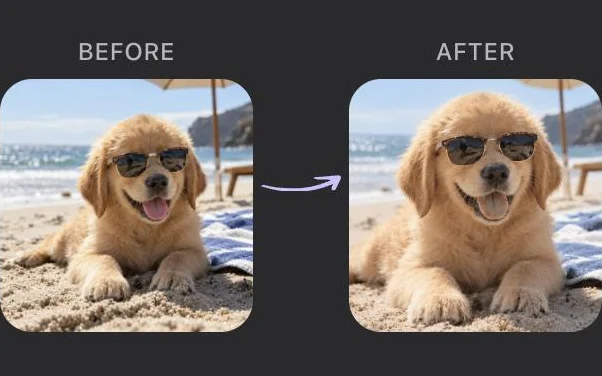
Get a GIF, WebP, PNG or JPEG.
The quickest way is the generator on this page, where you sign in with Google and start writing.
A GPT Image 2.6 prompt works best when it names the subject, the setting and the look you want. Short prompts run fine, but the model fills in whatever you leave out.
Write the words inside quotation marks and describe the typeface, as in a title "LISBON" in a tall condensed serif.
For a photo, name the lens and the light source. "85mm lens, soft window light from the left" gets you closer to a real photograph than the word "realistic" does.
Write "transparent background" in the prompt, then set the background option to transparent and the format to PNG or WebP.
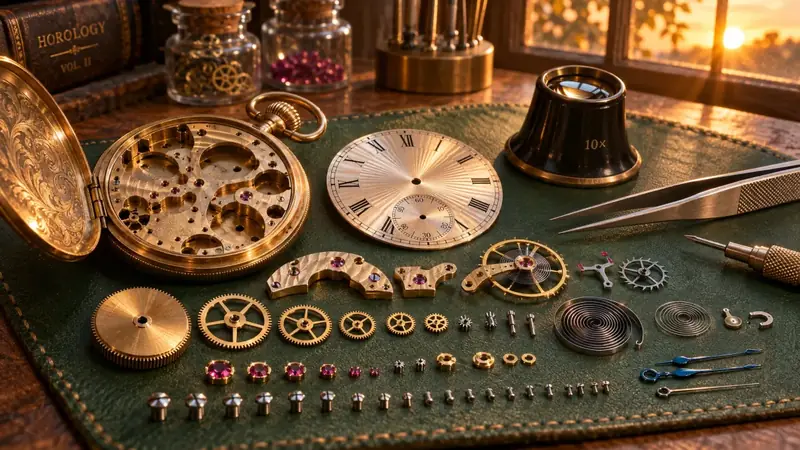
Draft on Flare at Standard quality until the idea looks right.
These GPT Image 2.6 prompts cover common kinds of image.
Describe what moves and how it returns to the start.
A paper lantern sways over a quiet lake at night, then returns to its starting position. Smooth loop.Try this prompt
Describe the camera to get closer to a real photo.
Portrait of a ceramic artist in her studio, 50mm lens, soft daylight, shallow depth of field.Try this prompt
Quote the words and describe the typeface.
Minimal travel poster of Lisbon with the title "LISBON" in a tall condensed serif, warm evening colors.Try this prompt
Name the surface and the light so the object reads as a real photo.
Amber glass perfume bottle on wet slate, soft window light from the left, 85mm lens, shallow depth of field.Try this prompt
Ask for a transparent background and use PNG or WebP.
Sticker of a cheerful orange cat on a skateboard, thick white outline, transparent background.Try this prompt
Name the layout and quote the labels you need.
Clean mobile app screen for a weather app with the heading "Today" and an hourly forecast row, soft neutral palette.Try this prompt
GPT Image 2.6 has four settings that change the output: quality, complexity, aspect ratio and format. Flare and Sunburst accept the same options.
Quality sets the render detail and the price. Use Standard for drafts and Extreme or Max for final images.
Complexity controls how much the model plans before it renders.
The generator offers seven aspect ratios, from 9:16 for phone screens to 16:9 for widescreen.
| Setting | Options | What it changes |
|---|---|---|
| Quality | Standard, High, Ultra, Extreme, Max, Auto | Render detail and price |
| Complexity | Simple, Balanced, Detailed | How much the model plans first. Price stays the same |
| Aspect ratio | 1:1, 3:2, 2:3, 4:3, 3:4, 16:9, 9:16 | The shape of the image |
| Format | GIF, WebP, PNG, JPEG | The file you download. PNG and WebP can be transparent |
| Frames (GIF) | 2 to 16, default 9 | How many frames the GIF has |
| Frame duration (GIF) | 20 to 2000 ms, default 200 | How long each frame shows |
GPT Image 2.6 is the OpenAI release from November 2026. Some models with similar names come from other companies, so check the maker when you compare results.
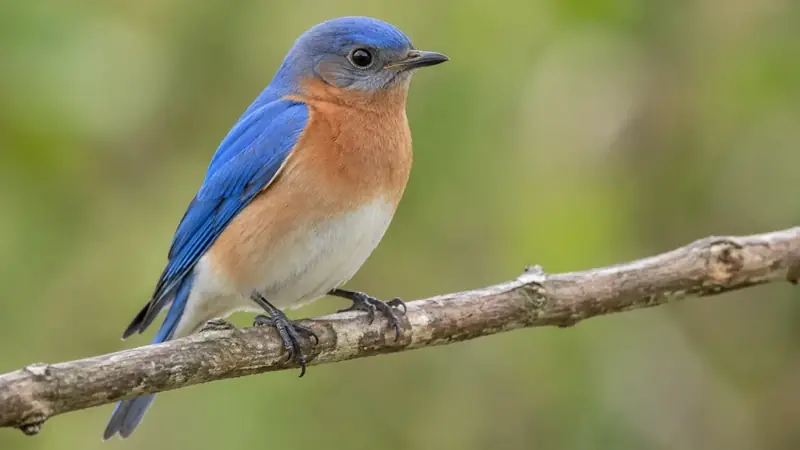
GPT Image 2.5 is the previous release, from September 2026, and it already used the Flare and Sunburst names.
GPT Image 2 is the April 2026 model behind ChatGPT Images 2.0, offered as one API model.
Nano Banana is the image model line from Google. To compare them, run the prompt you care about on each one.
MAI-Image-2.6 is an unrelated model that happens to share the number.
| Model | Maker | Released | Versions |
|---|---|---|---|
| GPT Image 2.6 | OpenAI | November 2026 | Flare, Sunburst |
| GPT Image 2.5 | OpenAI | September 2026 | Flare, Sunburst |
| GPT Image 2 | OpenAI | April 2026 | One API model |
| MAI-Image-2.6 | Microsoft | August 2026 | MAI-Image-2.6, Flash |
| Nano Banana | 2025 onward | Nano Banana, Nano Banana 2, Pro |
Write a prompt, pick Flare or Sunburst and generate your first GIF or image.
Open the generatorThe GPT Image 2.6 API lets developers call Flare and Sunburst from their own code with a prompt and a few settings.
See the API