
GPT Image 2.6 Flare
The fast model in the GPT Image 2.6 family. Six seconds is what OpenAI reports at its fastest quality level, and higher settings take longer.
Try GPT Image 2.6 Flare


GPT Image 2.6 Flare examples
What is GPT Image 2.6 Flare?

GPT Image 2.6 Flare is the speed-focused model in the OpenAI Image 2.6 family. At Standard quality it can return an image in about six seconds.
OpenAI released it on November 4, 2026, alongside GPT Image 2.6 Sunburst, and says it also improves layout quality for posters and product images.
It takes the same settings as Sunburst, so a prompt you draft on Flare can move there unchanged.
What GPT Image 2.6 Flare is best for
GPT Image 2.6 Flare fits any job where you want to see a result quickly and try again.
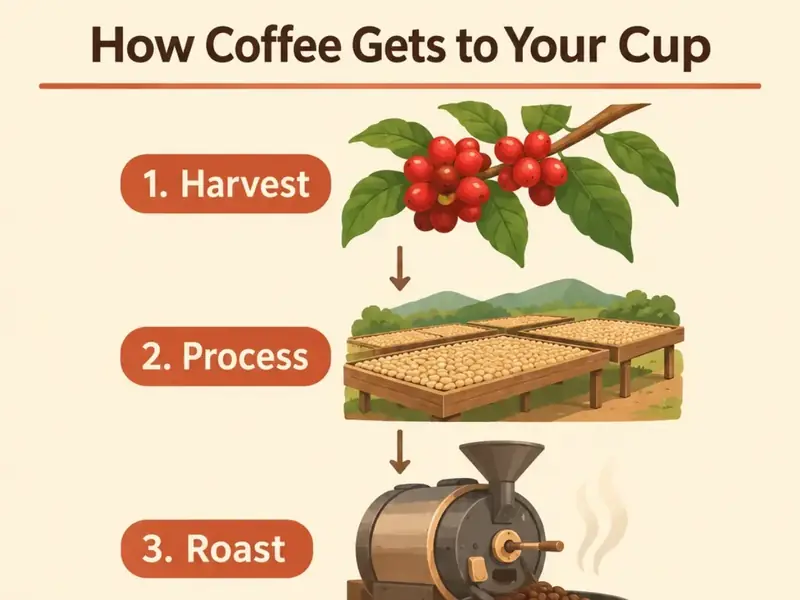
Drafts
Check whether an idea works before you spend more credits on it. Standard quality is the cheapest setting and the fastest one.

Variations
Change the wording, the color or the composition and compare the results. Short waits make it practical to run several versions.
Simple images
Stickers, icons and single-subject scenes do not need much planning, so they suit Flare at Simple or Balanced complexity.
GPT Image 2.6 Flare GIF

GPT Image 2.6 Flare can output an animated GIF from a text prompt. Text to GIF is already selected in the generator above.
Its speed suits GIFs, because you will often run a few versions before the motion looks right.
Describe what moves and how it returns to the start, then set 2 to 16 frames and 20 to 2000 ms per frame. The default of 9 frames at 200 ms loops every 1.8 seconds.
How to use GPT Image 2.6 Flare
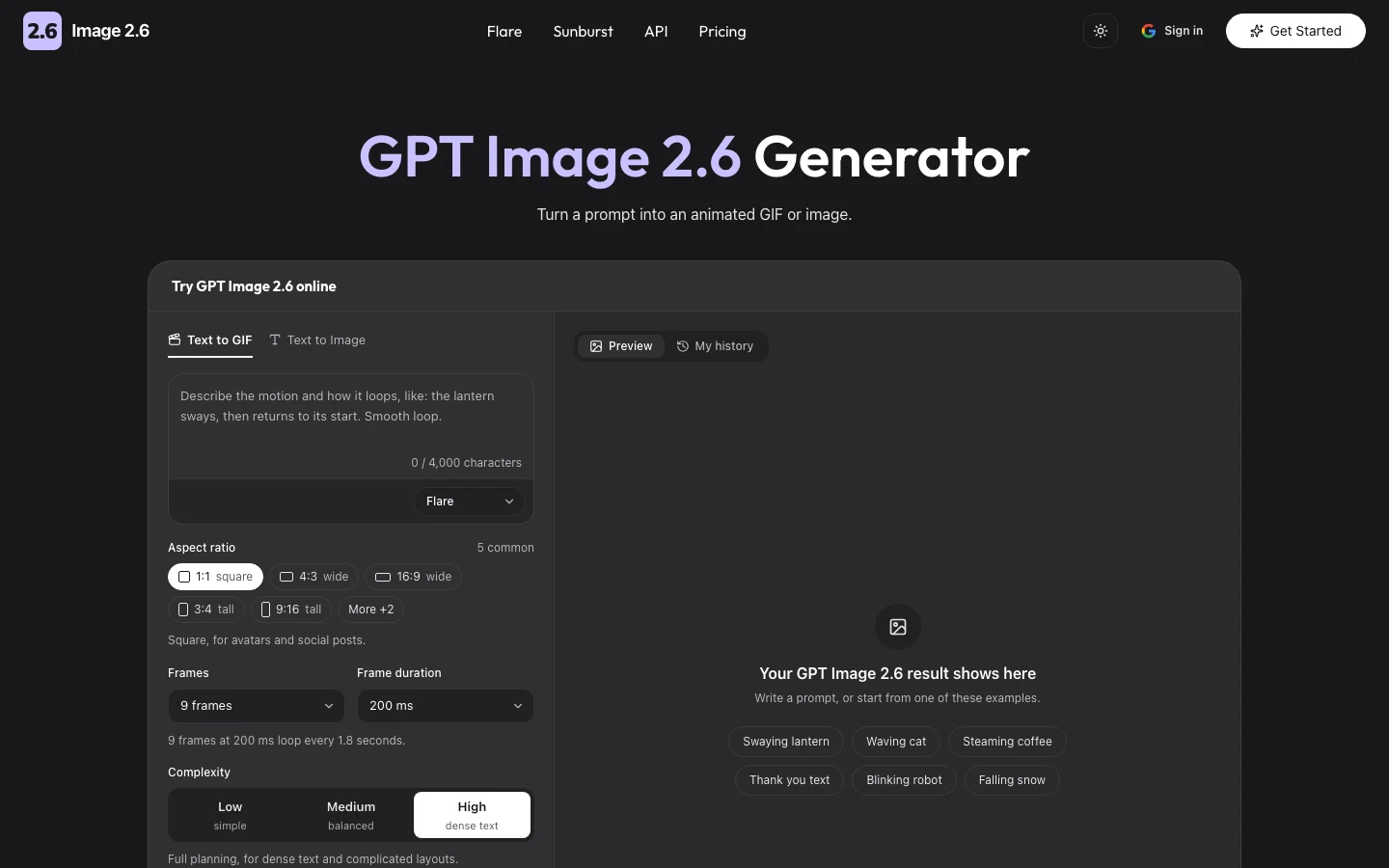
You can use GPT Image 2.6 Flare in the generator at the top of this page. It is already selected, so choose Text to GIF or Text to Image, write your prompt and pick an aspect ratio.
Start with Standard quality to keep it fast and inexpensive. Leave complexity on Detailed if the image contains text, and lower it for a single simple subject.
Press Generate, then download the file. If it is close but not right, change one setting and run it again.
GPT Image 2.6 Flare prompts
These GPT Image 2.6 Flare prompts are short and easy to vary. They are also in the generator as one-click examples.
"A paper lantern floating over a quiet lake at night, soft reflections, film grain."
"Sticker of a cheerful orange cat on a skateboard, thick white outline, transparent background."
GPT Image 2.6 Flare settings
GPT Image 2.6 Flare takes four settings: quality, complexity, aspect ratio and format. Start with Standard quality to keep it fast, and raise quality once the idea looks right.
Quality changes the render detail and the price. Complexity, a new setting in this release, changes how much the model plans first and costs nothing extra, although higher levels can take longer.
Transparent backgrounds need PNG or WebP, because JPEG cannot hold transparency.
| Setting | Options | What it changes |
|---|---|---|
| Quality | Standard, High, Ultra, Extreme, Max, Auto | Render detail and price |
| Complexity | Simple, Balanced, Detailed | How much the model plans first. Price stays the same |
| Aspect ratio | 1:1, 3:2, 2:3, 4:3, 3:4, 16:9, 9:16 | The shape of the image |
| Format | GIF, WebP, PNG, JPEG | The file you download. PNG and WebP can be transparent |
| Frames (GIF) | 2 to 16, default 9 | How many frames the GIF has |
| Frame duration (GIF) | 20 to 2000 ms, default 200 | How long each frame shows |
GPT Image 2.6 Flare vs Sunburst

GPT Image 2.6 Flare is built for speed and GPT Image 2.6 Sunburst for output quality.
Both cost the same credits at the same quality level, so the choice is about the job and not the price.
When the layout is right and you need more detail, send the same prompt to Sunburst.
GPT Image 2.6 Flare vs GPT Image 2
GPT Image 2 is the April 2026 model behind ChatGPT Images 2.0, offered as one API model.
Flare is the speed-focused option from the newer split into two models, which arrived with GPT Image 2.5.
OpenAI reports that GPT Image 2.6 generates 50% faster than the previous version, which was 2.5.
GPT Image 2.6 Flare API
The GPT Image 2.6 Flare API lets developers call this model from their own code with a prompt and a few settings.
It takes the same fields as the rest of the family, including frame count and frame duration for GIFs.
To use it through this site, request API access and tell us what you are building.